SliderOne-page websiteMotion & TransitionsEvents, music and culture
Events, music and culture
Set the stage.
Festivals, DJs, theatres, tattoo conventions, galleries, florists and weddings: line-ups, programmes and nights out, with the motion of the evening. Put your own dates and names in with Quick Edit, then paste one line into your site.
Free with a watermark. ProProNo watermark, 25 live modules on 5 domainsNo watermark25 live modules5 domains500,000 views a month removes it on your domains.14 templates for events, music and culture
Newest first. Events, line-ups and galleries, ready for your own dates. Every effect in the library works with all of them.
HeroOne-page websiteMotion & TransitionsEvents, music and culture
SliderDepth & 3DEvents, music and culture
CarouselOne-page websiteInteractionPortfolio and photography
SliderHeroParticles & AtmosphereEvents, music and culture
SliderHeroParticles & AtmospherePortfolio and photography
SliderHeroInteractionFood and drink
SliderHeroParticles & AtmosphereEvents, music and culture
CarouselParticles & AtmosphereEvents, music and culture
HeroParticles & AtmosphereEvents, music and culture
CarouselSliderEvents, music and culture
SliderHeroEvents, music and culture
One-page websiteInteractionEvents, music and culture
One-page websiteEvents, music and culture
Studio
Or make one in your brand.
A techno festival made in the Studio as a sample brand: its whole page, then the layouts it is made of. Open any of them and it takes your colours, fonts, words and pictures. Every layout on the Studio page
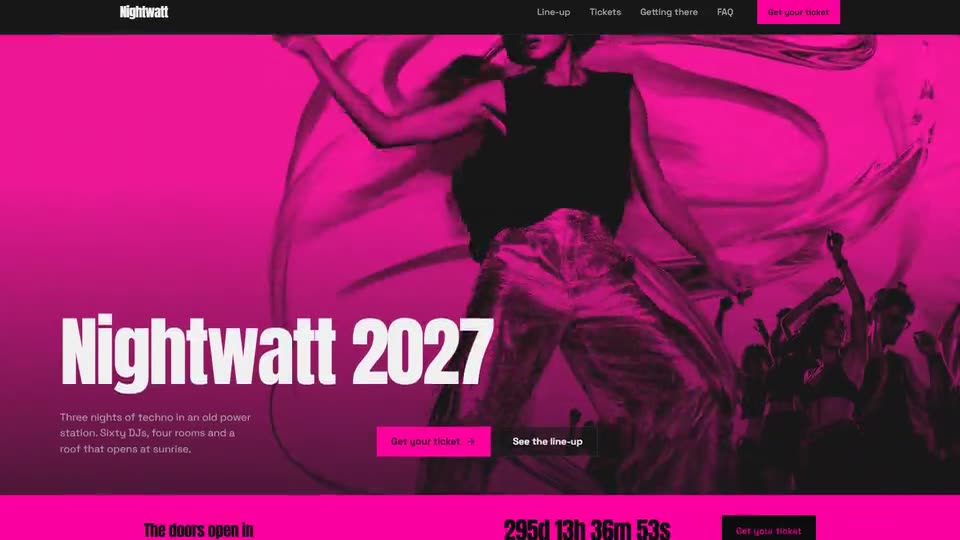 One pageThe whole page
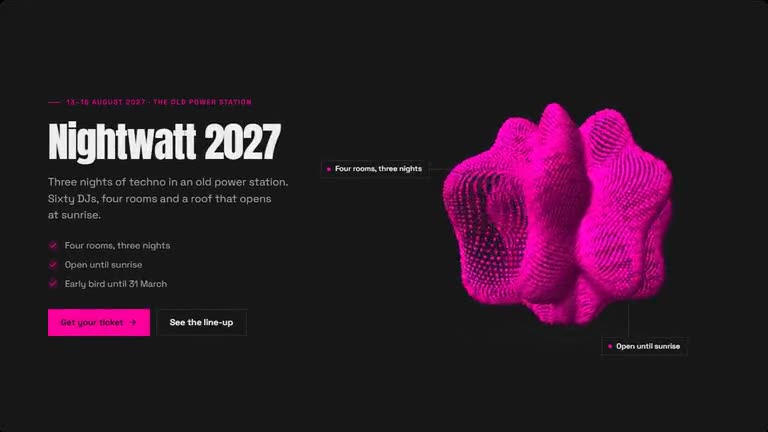 Hero with a live effectSpotlight
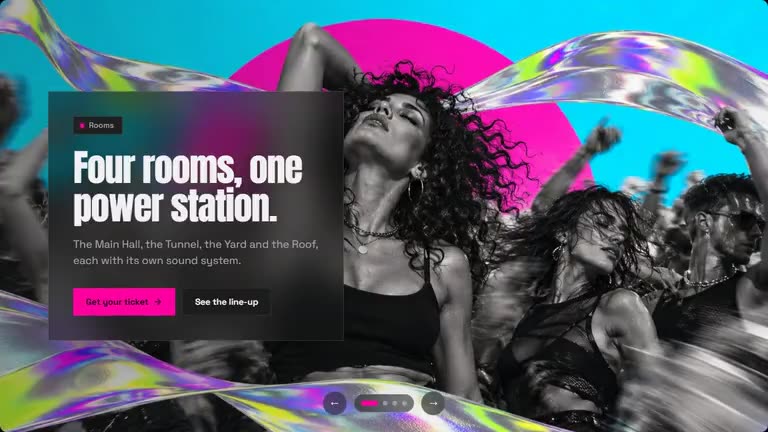 SliderGlass
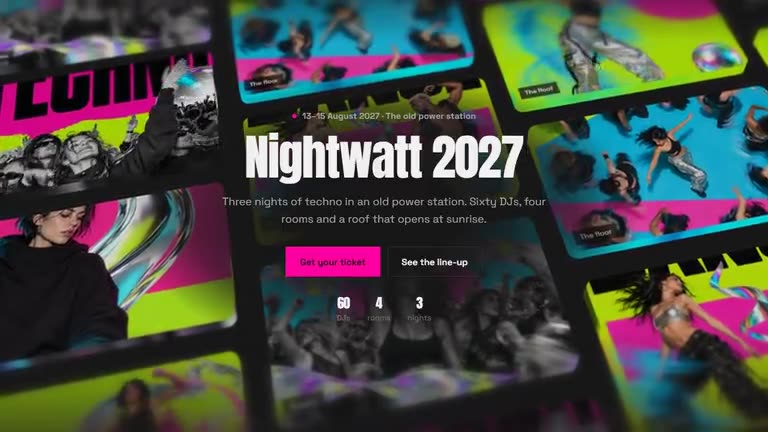 3D heroWall
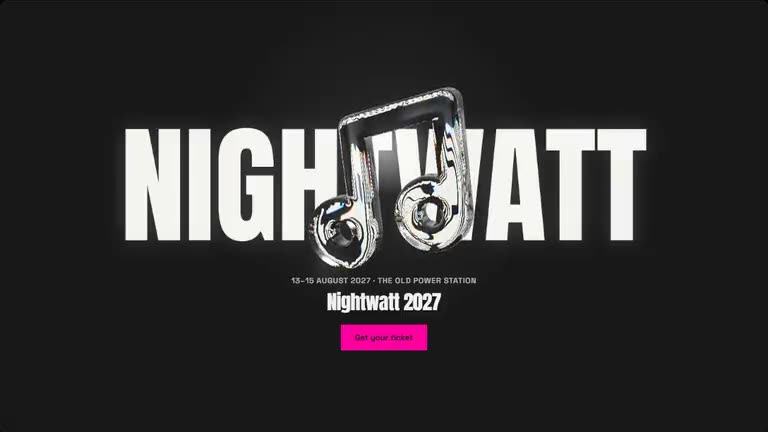 Glass heroCentred
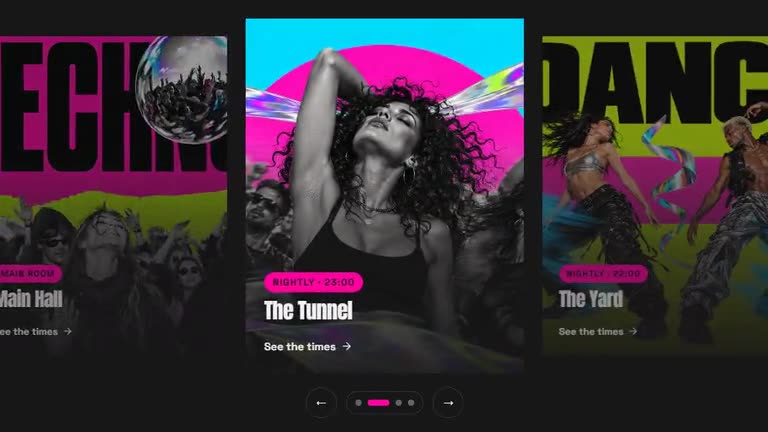 CarouselOverlay cards
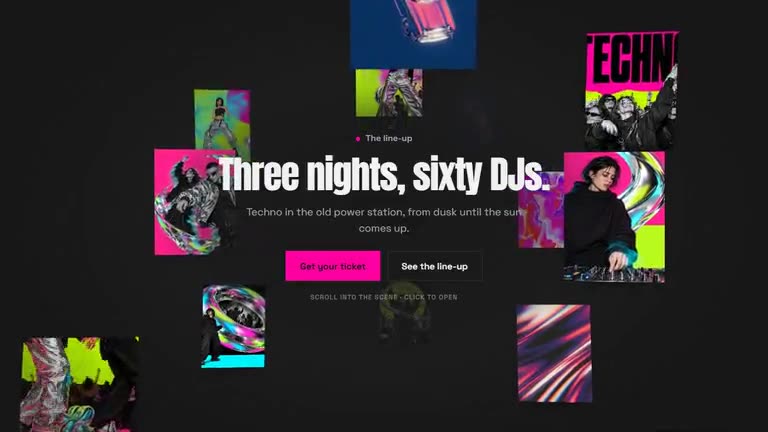 3D galleryDepth · Full stage
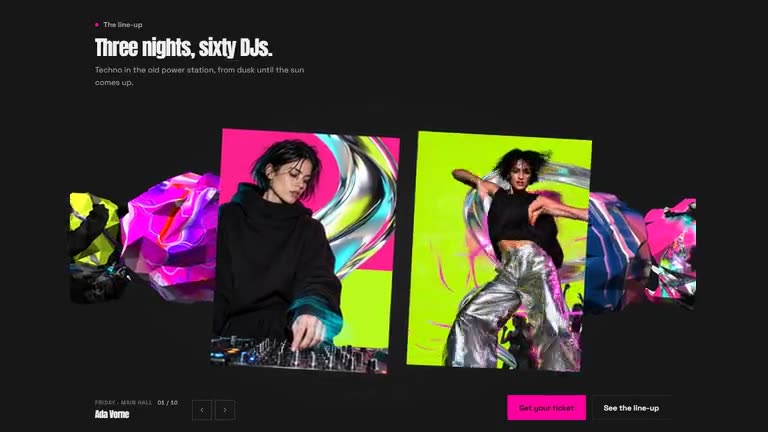 3D carouselFull stage · Crumple
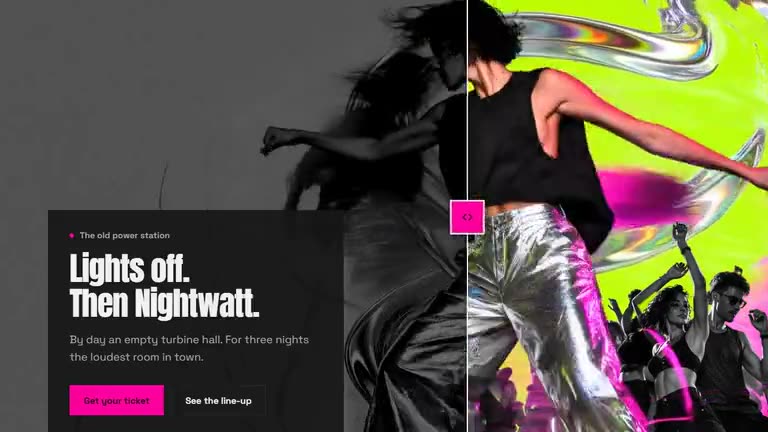 Before / afterFull width
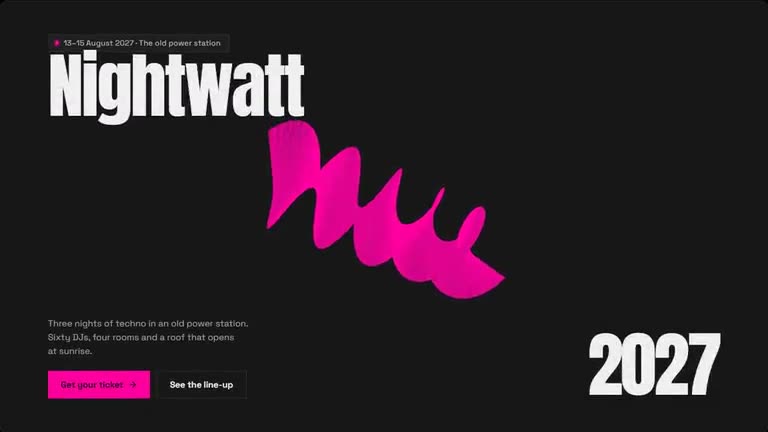 Hero with a live effectStatement
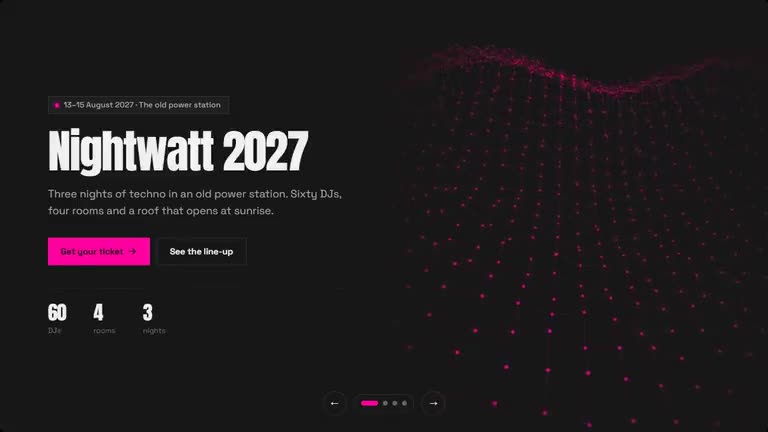 Slider with live effectsSplit
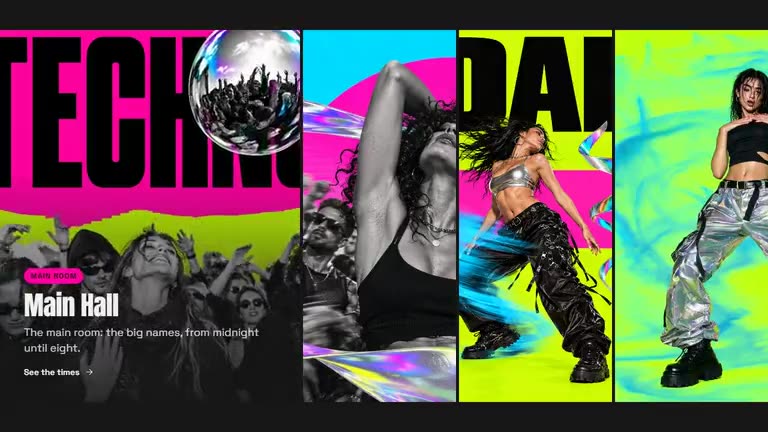 CarouselPanels
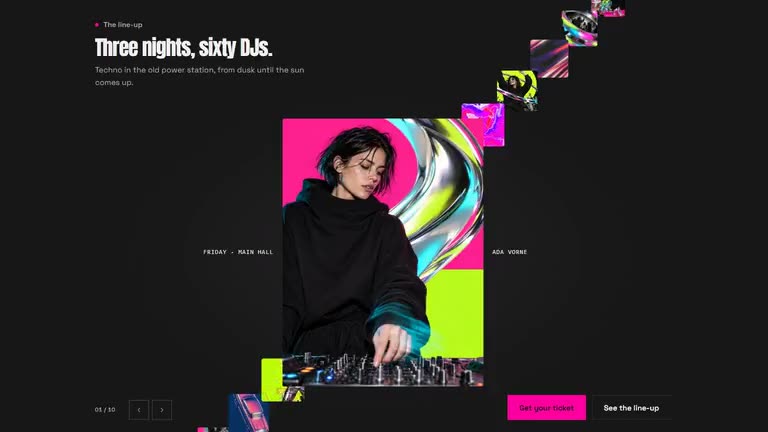 3D carouselFull stage · Stairs
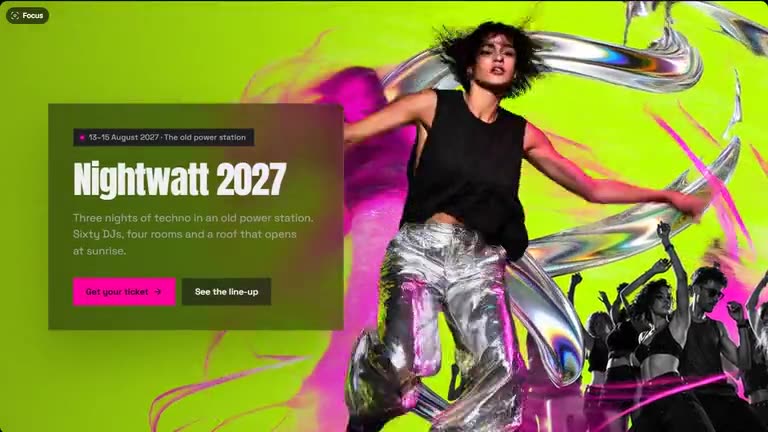 HeroGlass
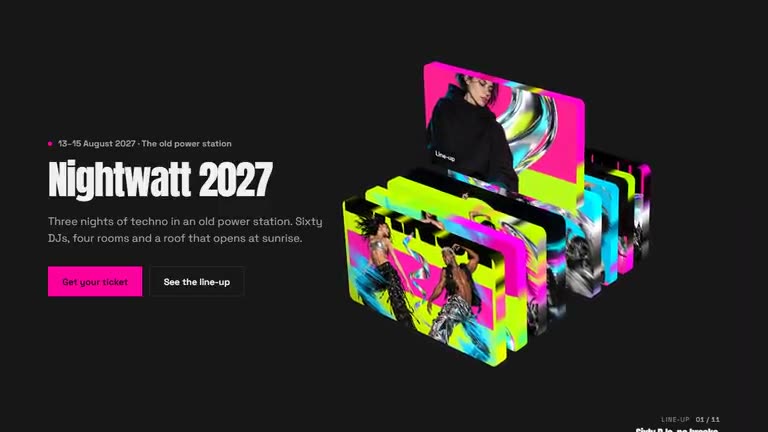 3D heroCassettes
 Glass heroText left
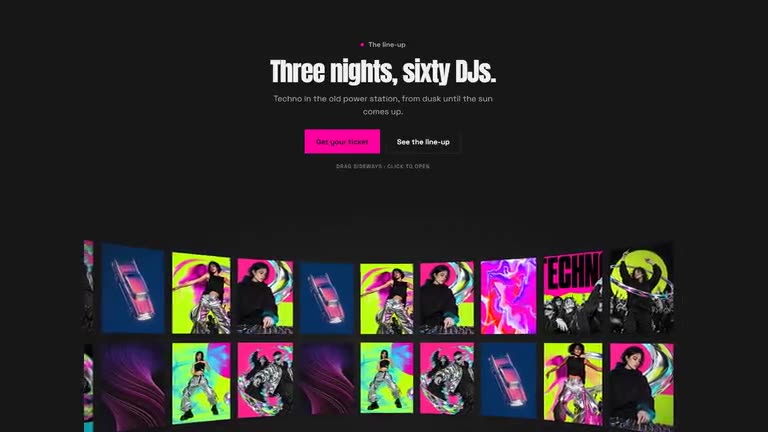 3D galleryCurve · Under the headline
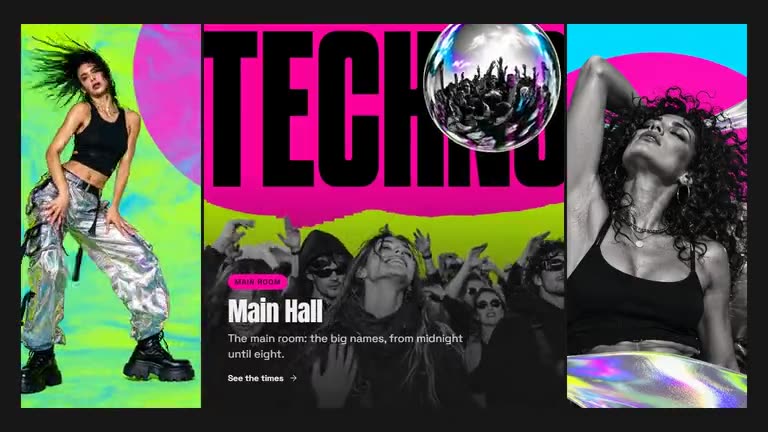 CarouselStrips
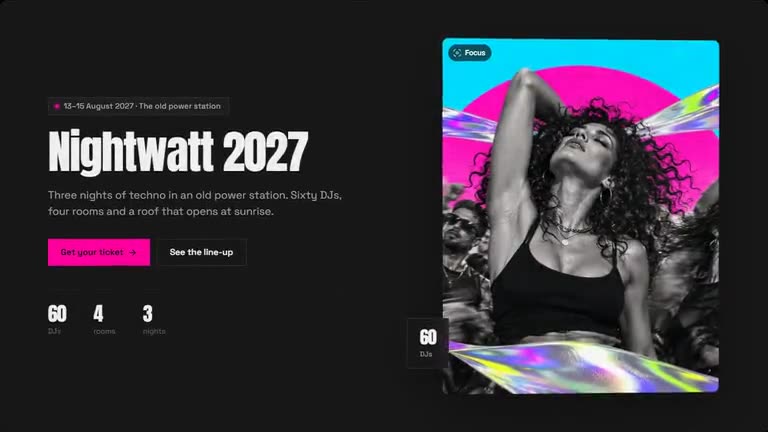 HeroFrame
Three steps, no plugin.
A template on SR Anywhere is a module you own. It lives on our edge and shows up wherever you paste its line.
Pick one
Every template is finished and animated. Hover to see it move, open it to try it live.
Make it yours
Swap words, media and colours in Quick Edit, or connect ChatGPT or Claude and describe the change.
Paste one line
Publish and copy the script line into Shopify, Squarespace, HubSpot, Shopware, Wix, WordPress or plain HTML.
https://anywhere.sliderrevolution.com/api/mcpIn Claude, add SR Anywhere as a custom connector with this address, then click Allow on the page that opens, signed in to SR Anywhere.
<script src=https://embed.sliderrevolution.com/i/ek_h4mqz7kxp2vt6wnra3ce/embed.js
async></script>Paste it into a Custom HTML block where the module should appear. Any theme, no plugin.
Questions
Yes. Change them in Quick Edit and publish: every page with the line shows the new dates, and your site stays as it is.
It can lead there: every button takes a link, to your ticket shop, a sign-up form or a calendar.
Publish it and paste its line where it belongs: a Custom HTML block in WordPress, a Custom Liquid section on Shopify, a Code block on Squarespace, an Embed HTML element on Wix, or anywhere in the body of an HTML page. No plugin, nothing to install.
Start the night early.
Pick a template, put your dates, your line-up and your pictures in it with Quick Edit, and paste one line into your site. Free with a watermark, sign in with your e-mail to start.