HeroSliderDepth & 3DPortfolio and photography
Sliders
Tell it in slides.
Product stories, galleries, showcases and presentations, with the transitions already built. Change the words and pictures, keep the motion, and embed it anywhere.
Free with a watermark. ProProNo watermark, 25 live modules on 5 domainsNo watermark25 live modules5 domains500,000 views a month removes it on your domains.74 sliders
Newest first. Open one to try it live.
SliderHeroParticles & AtmosphereFashion and beauty
SliderHeroDepth & 3DPortfolio and photography
SliderOne-page websiteMotion & TransitionsEvents, music and culture
SliderHeroInteractionAgencies and business
SliderInteractionShops and products
SliderHeroMotion & TransitionsTech and SaaS
SliderDepth & 3DEvents, music and culture
SliderPortfolio and photography
SliderHeroParticles & AtmosphereEvents, music and culture
SliderHeroTech and SaaS
SliderHeroDistortion & WarpFashion and beauty
SliderHeroParticles & AtmosphereShops and products
SliderDepth & 3D
SliderHeroParticles & AtmospherePortfolio and photography
SliderHeroInteractionFood and drink
SliderHeroInteractionTravel and hospitality
SliderHeroDepth & 3DTech and SaaS
SliderHeroShops and products
SliderHeroParticles & AtmosphereFashion and beauty
SliderHeroPortfolio and photography
SliderHeroInteractionFood and drink
SliderHeroAgencies and business
SliderHeroMotion & Transitions
SliderHeroParticles & AtmosphereEvents, music and culture
SliderHeroDepth & 3DFashion and beauty
SliderHeroDistortion & WarpTech and SaaS
SliderHeroInteractionFood and drink
SliderHeroParticles & AtmosphereAgencies and business
SliderHeroFood and drink
SliderHeroFood and drink
SliderHeroInteractionShops and products
SliderHeroInteractionFashion and beauty
SliderHeroDepth & 3DReal estate and interiors
SliderHeroInteractionTech and SaaS
SliderHeroParticles & AtmosphereAgencies and business
SliderHeroInteractionShops and products
SliderHeroDepth & 3DShops and products
SliderHeroInteractionTravel and hospitality
CarouselSliderHeroParticles & AtmospherePortfolio and photography
SliderHeroMotion & TransitionsPortfolio and photography
SliderHeroInteraction
SliderHeroInteraction
SliderHeroInteractionShops and products
SliderHeroLight & Glow
SliderHeroMotion & Transitions
SliderHeroFashion and beauty
SliderFashion and beauty
SliderShops and products
SliderHeroDepth & 3DAgencies and business
SliderHeroHealth and fitness
SliderHeroInteractionShops and products
SliderHeroShops and products
SliderHeroParticles & Atmosphere
SliderHeroParticles & Atmosphere
SliderHeroFood and drink
SliderHeroPortfolio and photography
SliderHeroInteractionFood and drink
SliderInteractionShops and products
SliderHeroInteractionFood and drink
SliderHeroInteractionPortfolio and photography
SliderHeroText EffectsTech and SaaS
SliderPortfolio and photography
SliderPortfolio and photography
SliderFood and drink
SliderText EffectsAgencies and business
SliderPortfolio and photography
SliderText EffectsTech and SaaS
SliderReal estate and interiors
SliderParticles & AtmospherePortfolio and photography
SliderParticles & AtmosphereTech and SaaS
SliderReal estate and interiors
SliderMotion & Transitions
SliderShops and products
Studio
Or make one in your brand.
Sixteen of the Studio's sliders in twelve sample brands: one layout on every slide, or a mix. Open one and it takes your colours, fonts, words and pictures. Every layout on the Studio page
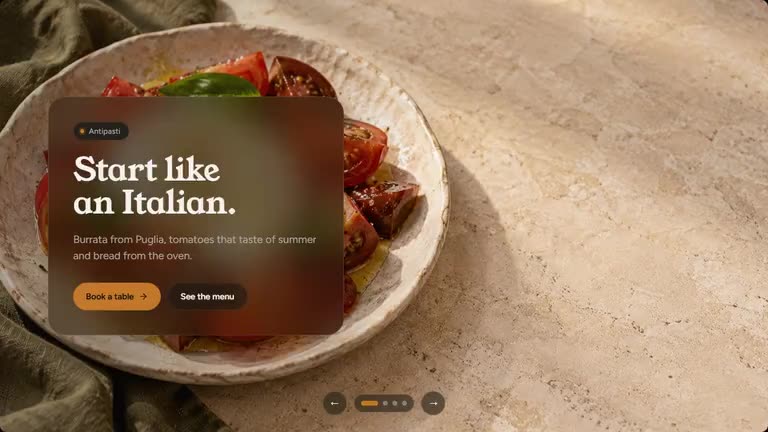 SliderGlass
 Slider with live effectsSplit
 SliderDuotone
 SliderEditorial
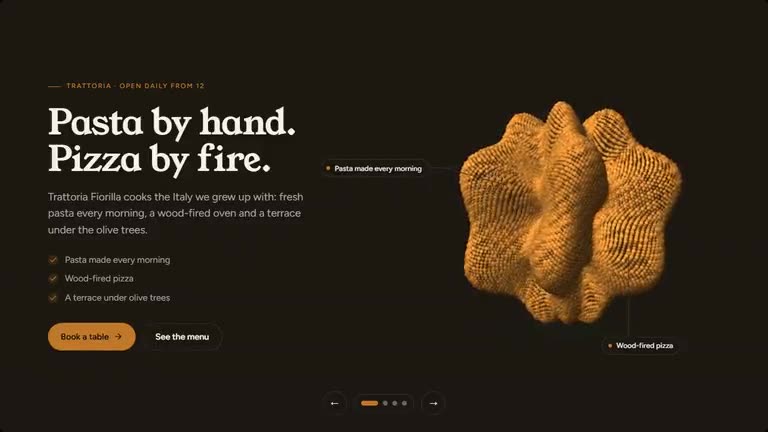 Slider with live effectsSpotlight
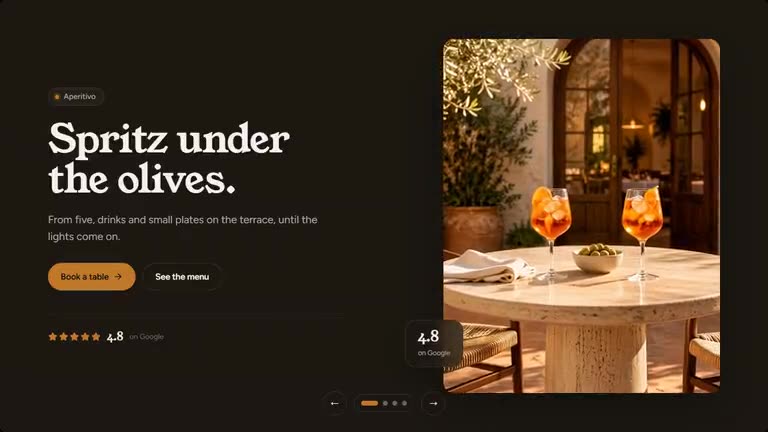 SliderFrame
 Slider with live effectsStatement
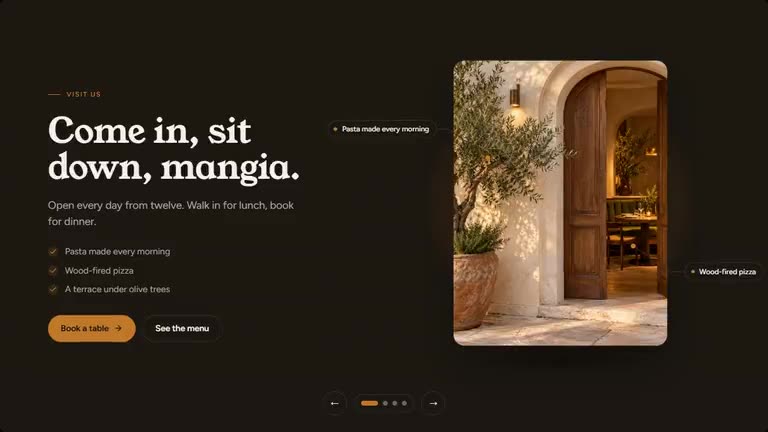 SliderStage
 Slider with live effectsBento
 SliderWindow
 Slider with live effectsMirror
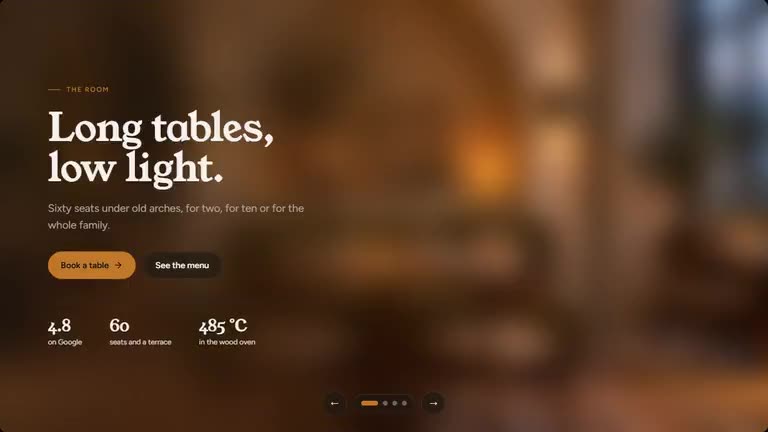 SliderSoft focus
 Slider with live effectsHorizon
 SliderHorizon
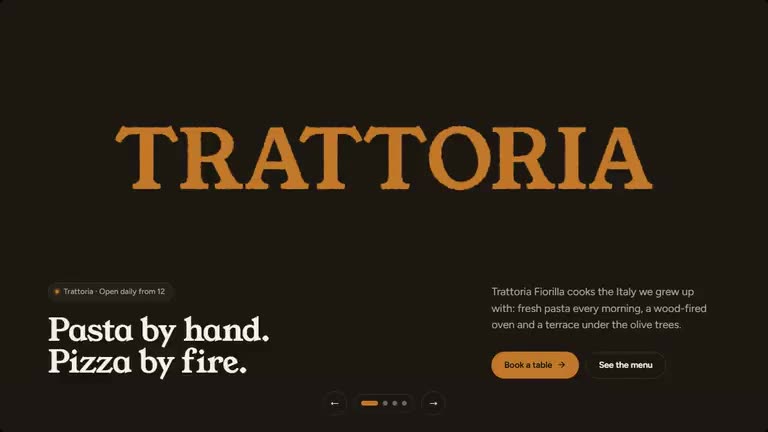 Slider with live effectsWordmark
 Slider with live effectsField
Three steps, no plugin.
A template on SR Anywhere is a module you own. It lives on our edge and shows up wherever you paste its line.
Pick one
Every template is finished and animated. Hover to see it move, open it to try it live.
Make it yours
Swap words, media and colours in Quick Edit, or connect ChatGPT or Claude and describe the change.
Paste one line
Publish and copy the script line into Shopify, Squarespace, HubSpot, Shopware, Wix, WordPress or plain HTML.
https://anywhere.sliderrevolution.com/api/mcpIn Claude, add SR Anywhere as a custom connector with this address, then click Allow on the page that opens, signed in to SR Anywhere.
<script src=https://embed.sliderrevolution.com/i/ek_h4mqz7kxp2vt6wnra3ce/embed.js
async></script>Paste it into a Custom HTML block where the module should appear. Any theme, no plugin.
Questions
A slider shows one slide at a time, usually across the full width. A carousel shows several cards side by side and moves them along.
Yes. Quick Edit's slide strip adds, duplicates, moves and removes slides, and changes what each one says and shows.
Yes. Every template has its own layout for desktop, tablet and phone, and Quick Edit lets you change what shows on each screen size.
Publish it and paste its line where it belongs: a Custom HTML block in WordPress, a Custom Liquid section on Shopify, a Code block on Squarespace, an Embed HTML element on Wix, or anywhere in the body of an HTML page. No plugin, nothing to install.
Your story, slide by slide.
The transitions are built in. Put your words and pictures on the slides, keep the motion, and paste one line into any site. Free with a watermark, sign in with your e-mail to start.